Why service asks for the model number
Glem Gas appliances can look similar externally while using different ignition systems, fans, dimensions or controls. The model links the service request to the correct design and reduces incompatible-part errors.
Possible data-label locations
| Appliance | Possible label locations |
|---|---|
| Cooker | Oven door frame, behind the storage drawer, side panel or rear depending on model. |
| Built-in oven | Door opening frame or inner side visible when the door is open. |
| Hob | Under the hob; do not remove it. Data may also be in warranty documents or invoice. |
| Hood | Behind the grease filter or on the inner body after power is disconnected. |
How to read the label
Look for Model, Mod. or an alphanumeric code. Do not confuse it with Serial No. Photograph the full label with clear lighting.
What to send customer service
- A clear photo of the entire label.
- A general photo of the appliance and installation.
- The visible symptom and when it occurs.
- Governorate, city and a reachable phone number.
What not to do
Do not pull a built-in oven or hob from cabinetry to find the label. Tell customer service that the data is not visible. Do not identify a part by colour or burner count alone.
Model number vs serial number and product code
The model number identifies the appliance family and design, while the serial number identifies an individual unit and may include production information. A separate product or variant code can also appear. Photograph the entire label rather than sending one number because service may need several fields to confirm compatibility.
Common data-label photo mistakes
- Cropping the beginning or end of the code.
- Using strong flash that hides printed characters.
- Typing the code and confusing zero with the letter O.
- Sending a front-view appliance photo instead of the data label.
How the model number relates to spare parts
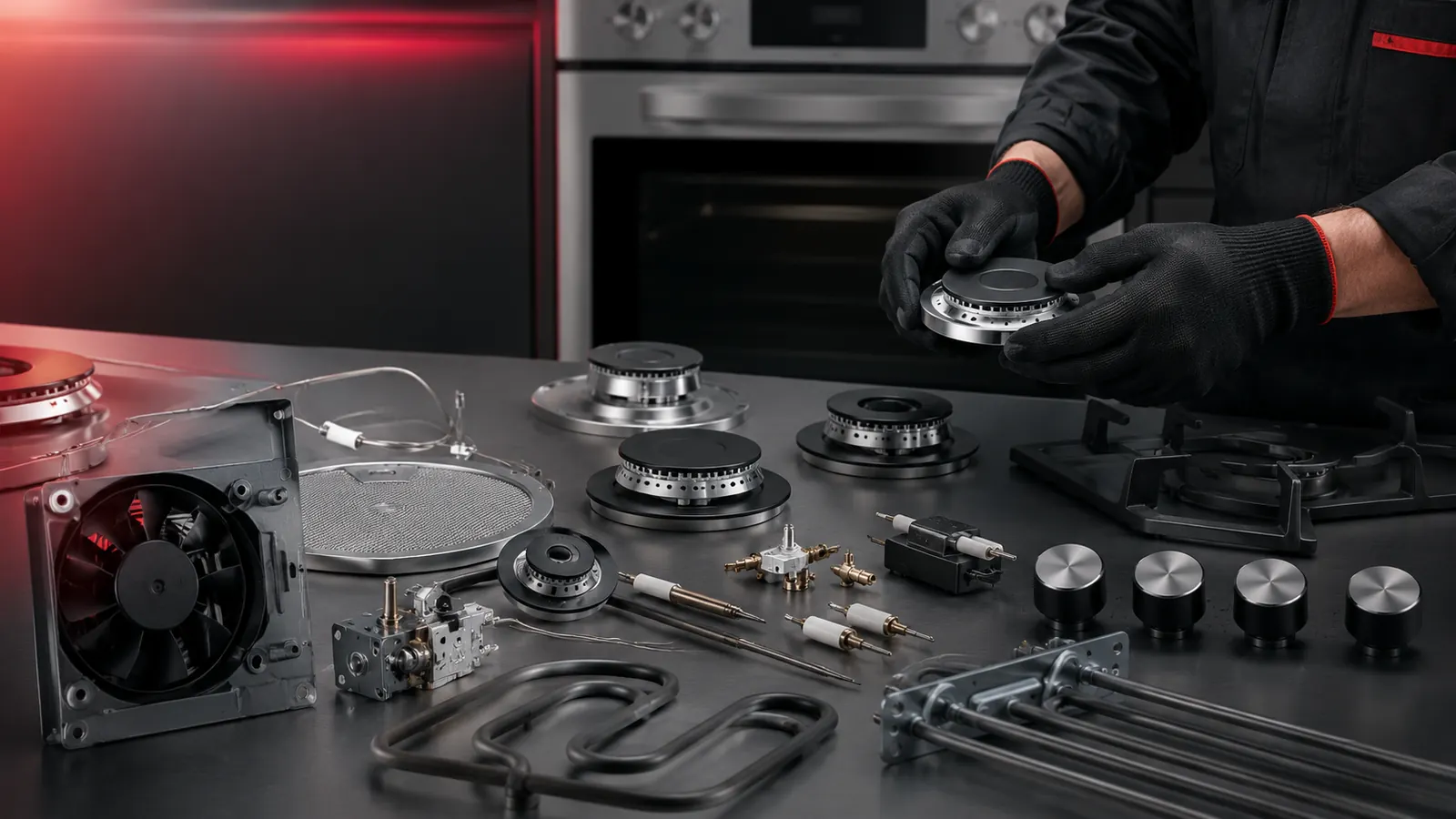
Electrodes, controls and filters can look similar in photos but differ in length, rating, mounting and connection. The model number does not replace inspection, but it narrows the possibilities and prevents selection by appearance alone.
If the label cannot be reached
Do not dismantle the appliance. Prepare clear photos of the front, controls and installation, and check the user manual, warranty document or invoice. Tell customer service that the label is inaccessible so the request can be registered correctly.